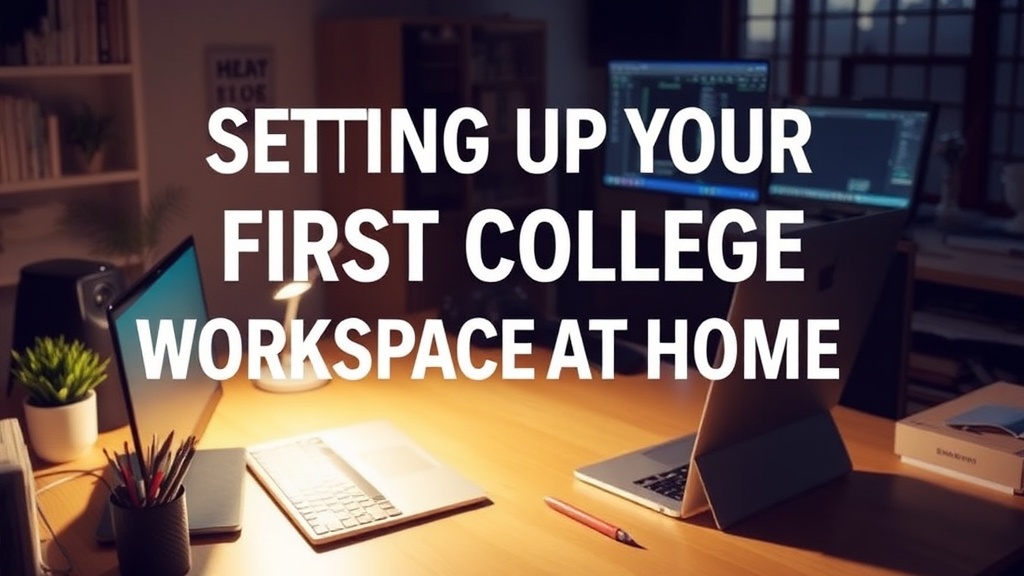
Setting Up Your First College Workspace at Home

What does a productive study setup actually look like?
Imagine sitting at a cramped kitchen table, trying to spread out your laptop, a heavy textbook, a notebook, and a coffee mug—all while someone else tries to eat breakfast three feet away. It’s loud, it’s cramped, and your back starts aching after twenty minutes. This isn't just a comfort issue; it's a focus issue. Having a dedicated space to work—even if it's just a corner of a room—helps signal to your brain that it's time to switch from "relax mode" to "work mode." A well-organized desk can be the difference between a three-hour study session that actually produces results and a four-hour session where you mostly just stared at your screen.
Setting up a workspace isn't about buying an expensive ergonomic chair or a high-end standing desk. It's about intentionality. You need a spot that is physically separated from where you sleep or play games. If you're working in your bed, your brain associates that space with rest, making it much harder to stay alert during a lecture. Even a small, designated desk in a corner of your room provides that psychological boundary. You want to create an environment where the friction of starting work is as low as possible.
How can I stay organized with limited desk space?
When you're living in a dorm or a small apartment, space is a premium resource. You can't afford to have clutter piling up, because clutter leads to mental fatigue. One way to manage this is through vertical storage. Instead of spreading everything across the surface of your desk, use desk organizers, wall-mounted shelves, or even a simple pegboard. This keeps your pens, paperclips, and chargers off the main workspace, leaving room for your laptop and notebook.
Think about your daily workflow. Do you frequently reach for a highlighter? A charger? A water bottle? Group these items in a way that they are accessible but not in your way. A small tray for your stationery or a cable management box to hide the tangle of wires can make a huge difference in how much room you actually feel you have. If you're working in a public space like a library, a portable laptop stand or a small desk organizer kit can turn any small table into a functional office.
- The Lighting Rule: Never rely solely on harsh overhead lights. A small, adjustable desk lamp provides focused light that reduces eye strain during late-night sessions.
- The Cable Strategy: Use binder clips or cable clips to keep your charging cords from falling behind the desk every time you unplug your laptop.
- The Digital-Physical Balance: Keep only what you need for your current task on the desk. If you're studying history, you don't need your math textbook sitting right in front of you.
For more information on creating productive environments, you might look into the principles of ergonomics provided by the Occupational Safety and Health Administration (OSHA), which discusses how even small adjustments to your posture and setup can prevent long-term discomfort.
What are the best tools for a mobile study setup?
Not every study session happens at your desk. Sometimes the library, a coffee shop, or even a quiet corner of the student union is your only option. For these moments, you need a "mobile kit." This should include a lightweight power bank, a pair of noise-canceling headphones (a total lifesaver in loud environments), and a portable charger. A small, dedicated tech pouch helps keep these items from getting lost at the bottom of your backpack.
A good notebook is also worth the investment. While digital note-taking is great, there is a specific kind of cognitive benefit to handwriting notes during a lecture. Having a dedicated notebook and a reliable pen kept in a specific spot in your bag ensures you aren't scrambling to find a way to write down a key point when a professor mentions it. This consistency builds a habit of readiness.
If you are looking for ways to manage your time while using these tools, the Grammarly blog often has excellent advice on digital productivity and maintaining a smooth workflow. Using technology to your advantage—rather than letting it become a distraction—is a skill that will serve you well beyond your college years.
Building a Routine Around Your Space
Once you have your setup, the most important part is how you use it. Try to use the same spot at the same time every day. This consistency helps build a ritual. When you sit down, clear your desk of any non-work items, set your phone to "Do Not Disturb," and take a deep breath. This transition period—even if it's only sixty seconds—helps prime your mind for deep work. If you find yourself getting distracted, it's often a sign that your environment needs a quick reset. Clear the coffee cups, put the pens back in the holder, and refocus.